 Piezzle
A jigsaw made from one of your photos is special: every piece is part of a memory. Your holidays, your dog, the family house, a meal with friends… But not every photo works equally well. A photo that looks great on screen can make a boring or impossible puzzle. These tips will help you choose.
Which photos make the best puzzles
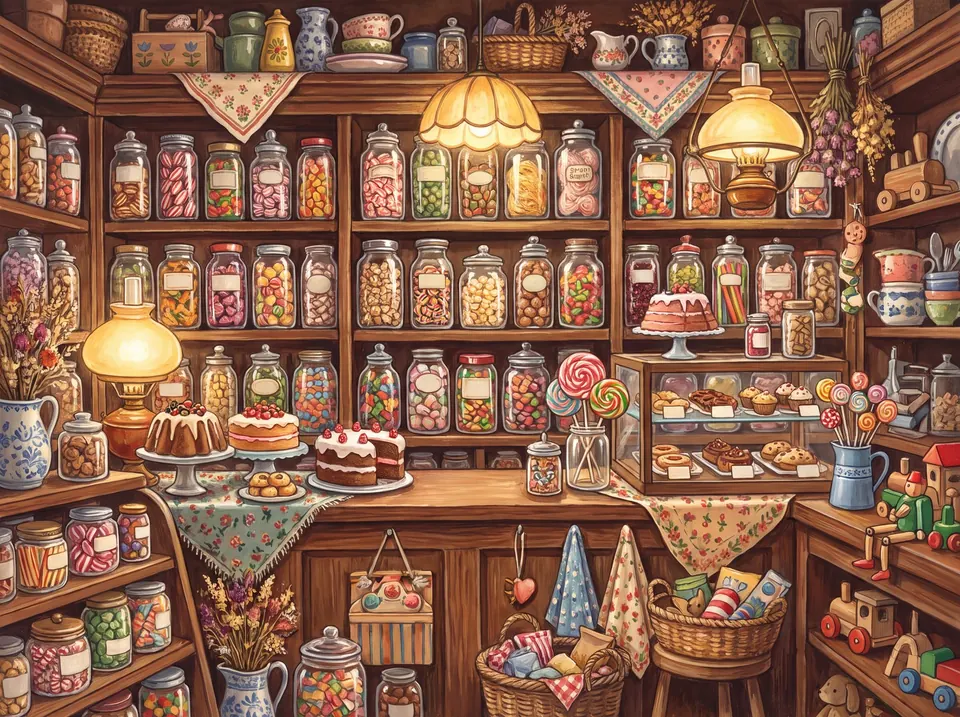
The golden rule is the same as for any jigsaw: detail and colour spread across the whole picture. The more different each area is, the more clues you will have.
- Work really well: landscapes with lots going on, streets and markets, group photos, gardens and flowers, bookshelves, food shot from above, collections of objects.
- Work so-so: portraits against a plain background, beaches with a lot of sky, night or very dark photos.
- Best avoided: blurry or shaky photos, very noisy ones, or photos with large areas of a single colour.
Quality and framing
- Sharp from edge to edge. The blurred background that looks so good in a portrait is a nightmare in a puzzle: all those pieces will look the same.
- Good resolution. Photos from any recent phone are more than enough. Avoid screenshots or heavily compressed photos forwarded in chats.
- Crop what you don't need. If a photo has a huge sky or a plain floor, crop it first and keep the interesting part.
- Orientation doesn't matter. Portrait and landscape photos work just as well.
How many pieces for each photo
A detailed photo can take lots of pieces; a simple one, only a few. As a rough guide:
- Close-up portrait or pet: 48 to 150 pieces. With more, the face turns into lots of nearly identical pieces of skin or fur.
- Group photo, street or detailed landscape: 150 to 500.
- Very detailed panorama: 500 or more, if you fancy a long challenge.
For children, a family photo with 24 or 48 pieces is a perfect gift: they recognise everyone and love it.
On paper or on screen
There are two ways to turn a photo into a puzzle:
- A printed puzzle, ordered from a shop or printer. It makes a lovely gift and can be framed, but it takes a few days, costs money and the photo has to be uploaded to the maker's website.
- A digital puzzle, on your phone, tablet or computer. It is instant and free, you can try lots of photos and change the number of pieces whenever you like.
How to do it in Piezzle
- Open Piezzle in your browser or in the app and tap Use a photo.
- Pick the photo from your gallery.
- Choose the number of pieces (from 24 to 1000) and the cut style: classic, square, organic, with animals or with stars.
- For an extra challenge, turn on rotated pieces. And start playing.
Your photo never leaves your device. Piezzle cuts the puzzle on your own phone or computer: the photo is not uploaded to any server. Its metadata, such as location, is also removed when you import it. We explain it in our privacy policy.
Your game saves itself, so you can leave it half done and carry on another day. And when you finish, why not try another cut style? The same photo feels like a different puzzle.